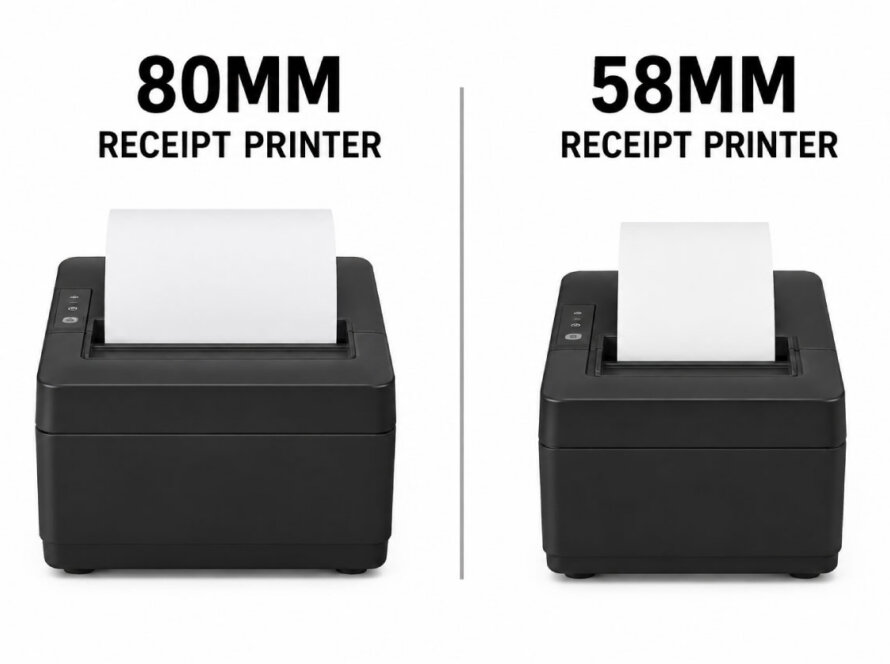
A thermal receipt printer is one of the hardest-working devices in any business. It prints hundreds of receipts a day, often in hot kitchens or dusty shops, and nobody notices it until it stops. The good news is that thermal printers have very few moving parts, and a few simple habits can keep yours running smoothly for years.
Here are seven practical maintenance tips for any thermal receipt printer.
1. Use Good-Quality Thermal Paper
Paper is the only thing that touches the print head every day, so it has the biggest effect on its life. Low-quality thermal paper can leave more dust and residue and wear the print head faster. Choose paper from a reliable supplier, in the exact width your printer supports, and check that the roll diameter fits your printer’s paper compartment.
2. Clean the Print Head Regularly
Over time, paper dust and residue build up on the print head. This causes faint, streaky or patchy printing. To clean it:
- Turn the printer off and let the print head cool for a few minutes, as it can be hot right after printing.
- Open the paper cover and remove the paper roll.
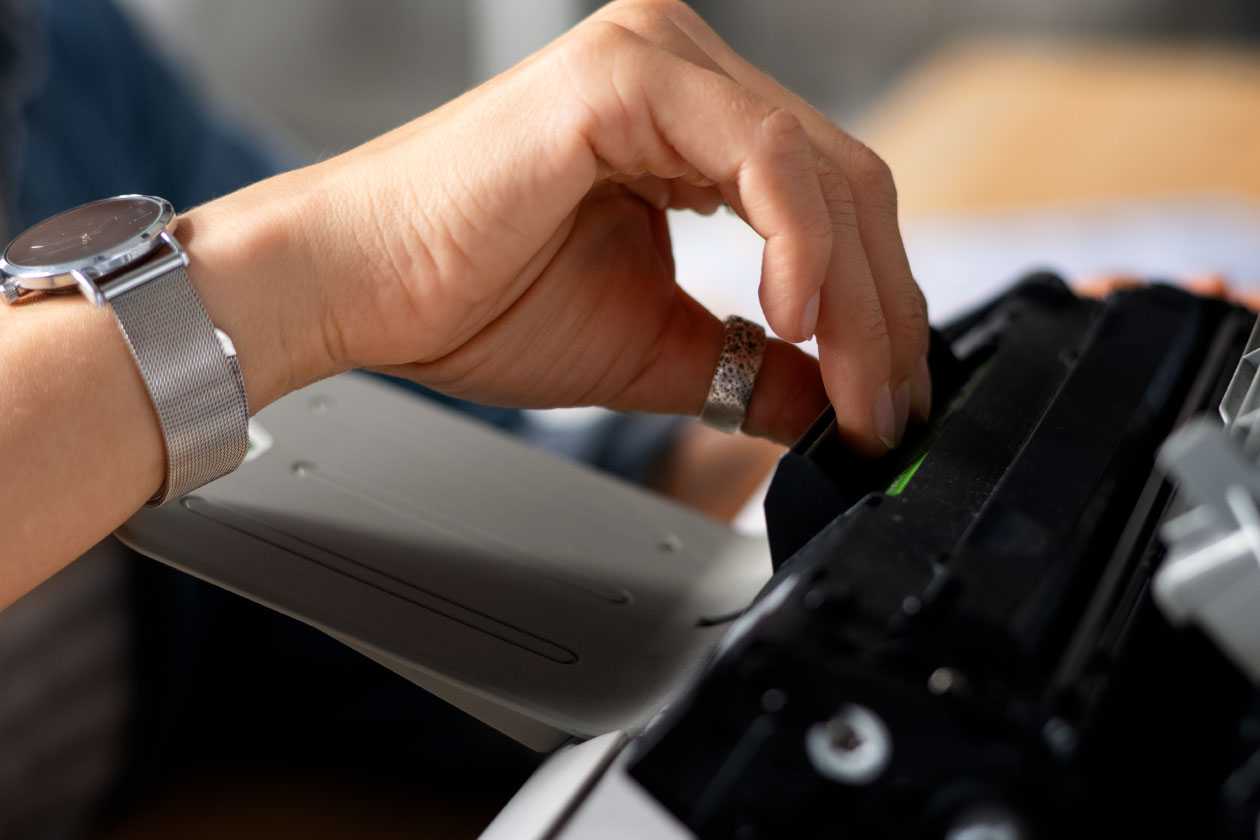
- Gently wipe the print head with a cotton swab or cleaning pen lightly moistened with isopropyl alcohol.
- Let it dry completely before you reload the paper and close the cover.
As a simple rule, clean the print head every time you change several rolls, and more often in dusty or greasy environments such as kitchens. Always follow the instructions in your printer’s user manual.
3. Never Use Sharp or Metal Objects
The print head is delicate. Never scrape it with a knife, screwdriver or anything metal, even to remove a paper jam. A single scratch can leave a permanent white line on every receipt. Remove jammed paper gently by hand.
4. Keep Dust, Liquids and Heat Away
Place the printer where it is protected from spills, direct sunlight and heat sources such as ovens, grills and coffee machines. In kitchens, choose a printer with a splash-resistant design and place it away from steam. Wipe the outside of the printer with a dry cloth and keep the paper compartment free of crumbs and dust.
5. Store Paper Rolls Correctly
Thermal paper reacts to heat and light, so poor storage can darken or fade the paper before it is even used. Store rolls in a cool, dry, dark place, away from direct sunlight, heaters and plastic bags or chemicals. Use older rolls first.
6. Load the Paper the Right Way
If your printer suddenly prints blank receipts, the roll is almost always inserted upside down. Thermal paper is coated on one side only. Load the roll so the coated side faces the print head, as shown in the diagram inside the paper cover. Also make sure the paper is straight before closing the cover, to avoid jams and crooked cuts.
7. Keep Drivers and Firmware Up to Date
Many printing problems are caused by software, not hardware. Keep your printer drivers and firmware up to date, especially after updating your POS software or operating system. You can find the latest drivers, firmware and manuals for every GERTBERG model in Support & Downloads.
When to Call for Support
Maintenance prevents most problems, but contact technical support if you notice:
- A permanent white line through every receipt, which can mean a damaged print head
- The auto-cutter failing to cut or making unusual noises
- Error lights that do not clear after reloading paper and restarting
- The printer not being detected by your computer or network
GERTBERG customers can open a support request or submit a warranty or RMA request, and our technical team in Tirana will help you get back to work quickly.
Frequently Asked Questions
How often should I clean my thermal receipt printer?
Clean the print head regularly, for example every few paper rolls, and more often in kitchens or dusty spaces. Wipe the outside and paper compartment whenever you see dust.
What can I use to clean a thermal print head?
Use a cotton swab or a dedicated cleaning pen with a small amount of isopropyl alcohol. Do not use water, abrasive cloths or metal tools.
Why are my receipts fading?
Faded receipts usually come from a dirty print head, low-quality paper, or paper that was stored in heat or sunlight. Clean the head and try a fresh roll from a good supplier.
How long does a thermal receipt printer last?
It depends on the model and how it is used. Check the rated life of the print head and cutter. For example, the GERTBERG GP-80 print head is rated for 150 km of printing and its auto-cutter for 1.5 million cuts.